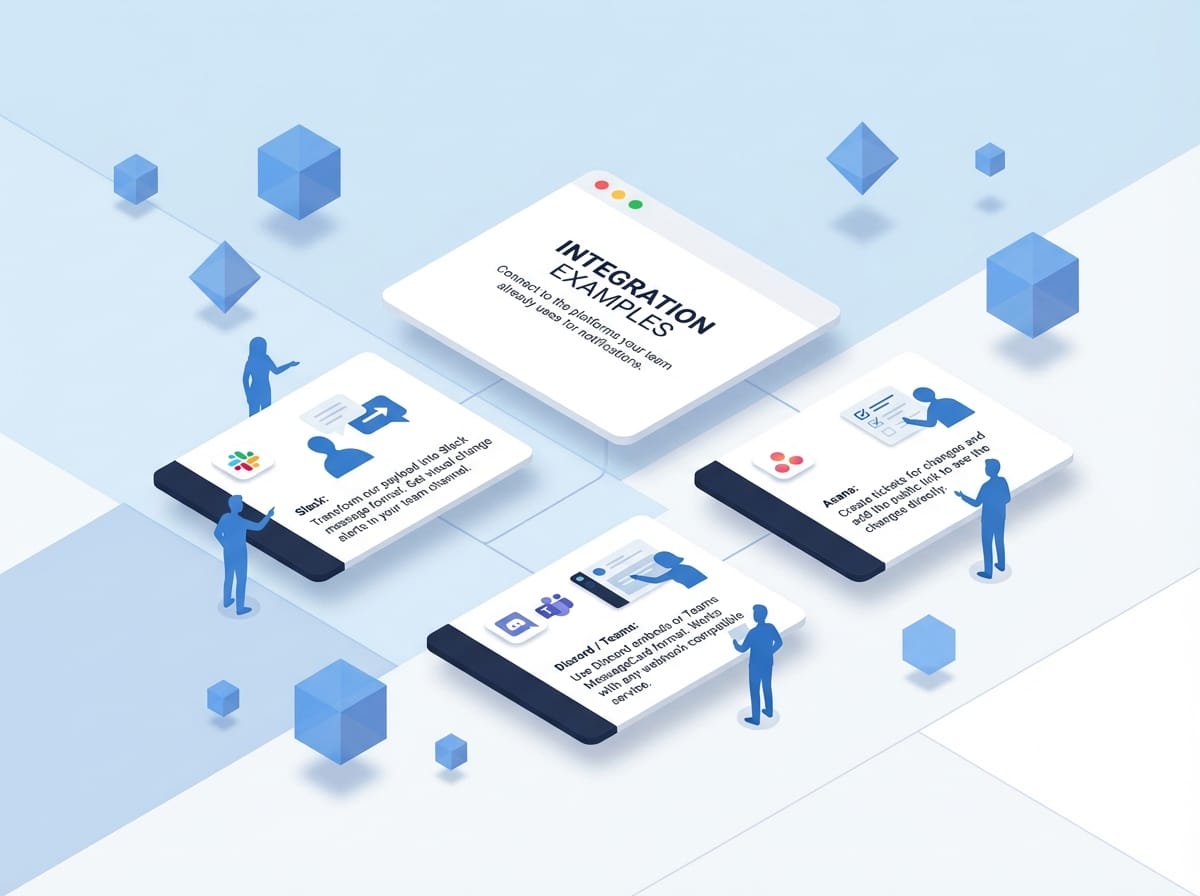
Real-Time Alerts, Your Way
How It Works
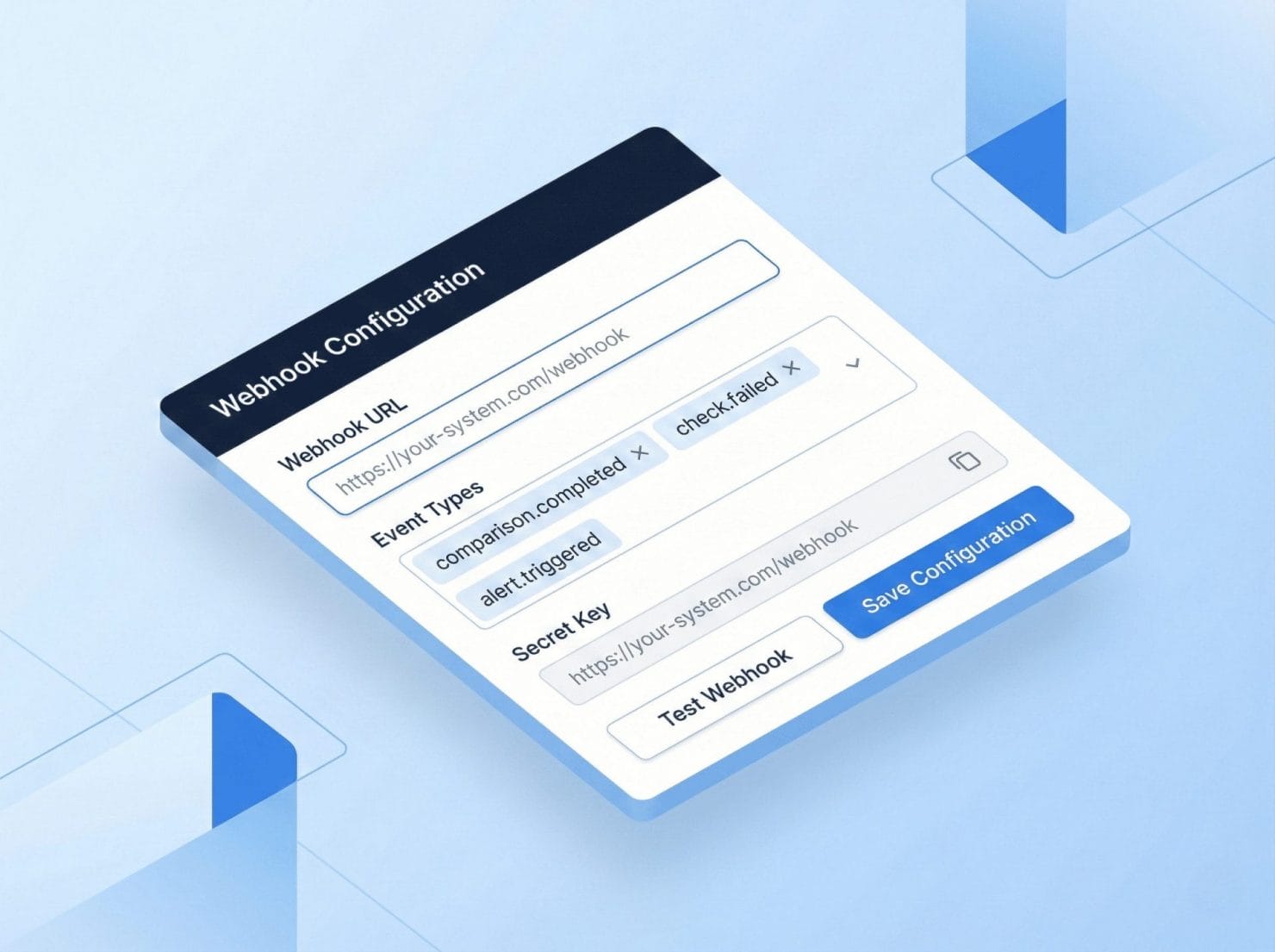
Configure Your Endpoint: Add your webhook URL in the webapp. We’ll POST events to your server automatically.
Select Events: Choose which events trigger webhooks.
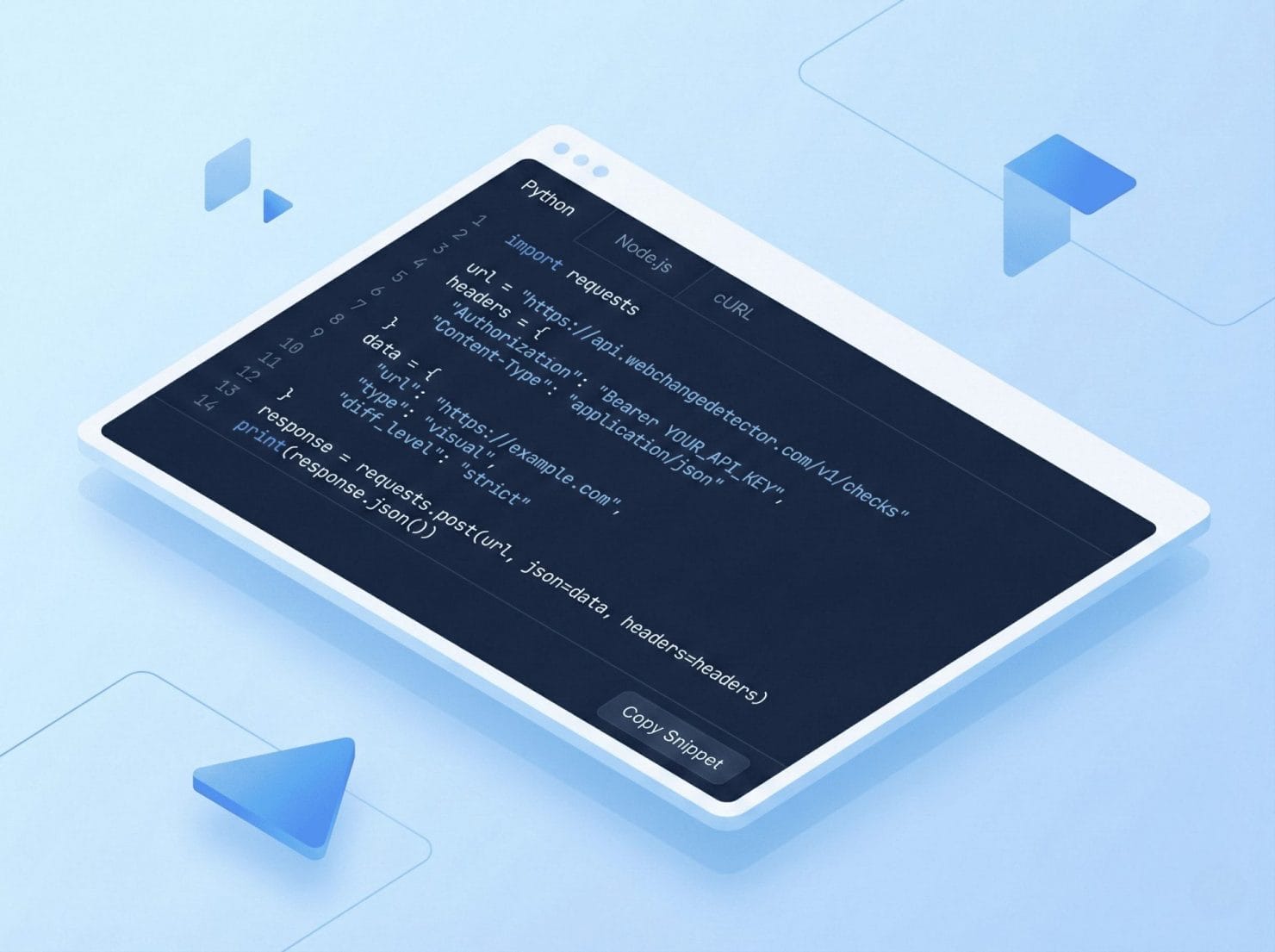
Receive & Act: Parse our JSON payload and take action. Send Slack messages, create tickets, trigger rollbacks.
Event Types
changes_detected: Fired when a comparison completes with changes above threshold. Use for immediate alerts.
batch_completed: Fired when all screenshots/comparisons in a batch finish. Use for summary notifications.
screenshot_completed / failed: Fired for individual screenshot events. Use for progress tracking and error monitoring.
Integration Examples
Slack: Transform our payload into Slack message format. Get visual change alerts in your team channel.
Asana: Create tickets for changes and add the public link to see the changes directly.
Discord / Teams: Use Discord embeds or Teams MessageCard format. Works with any webhook-compatible service.