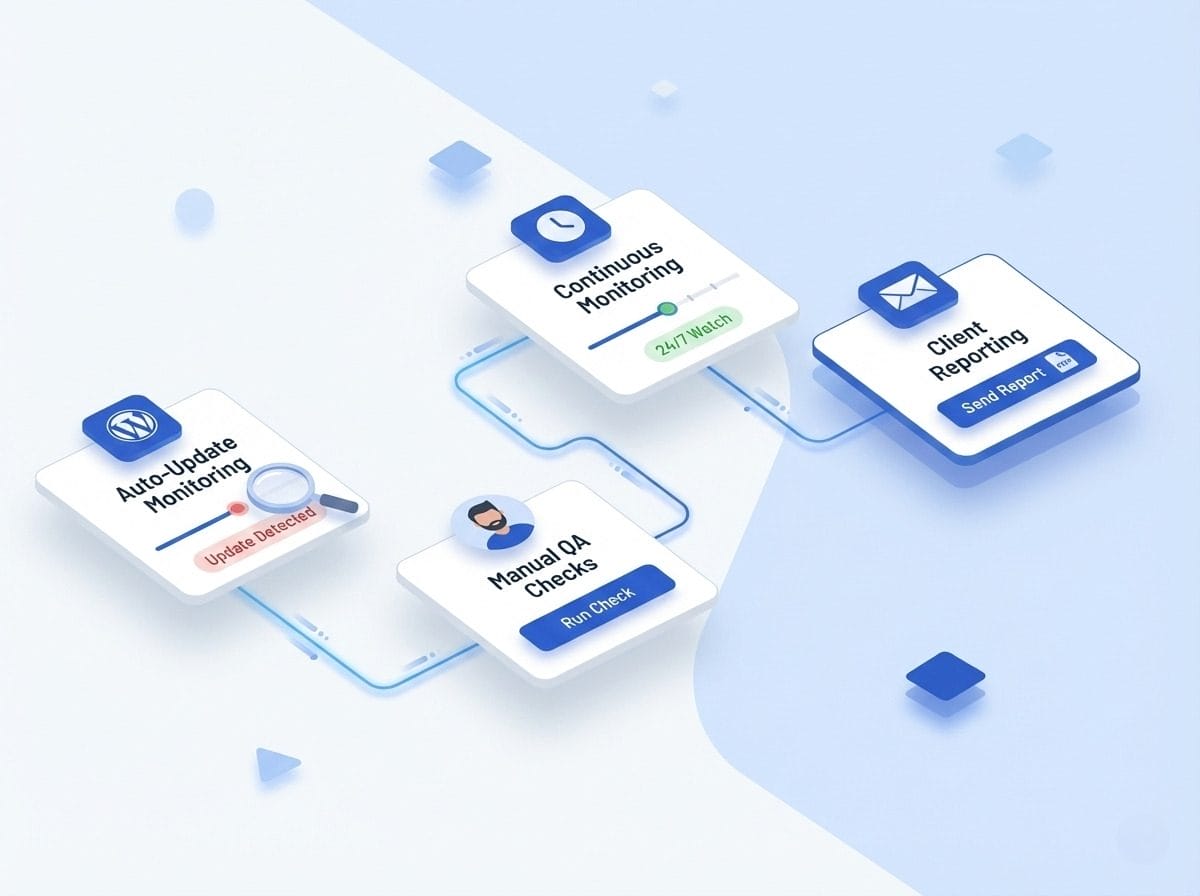
Visual Testing Your Way
Quick Start
Get Your Token: Grab your API token from the webapp under Account → API. All requests require Bearer authentication.
Base URL: All endpoints at https://api.webchangedetector.com/api/v2/ — HTTPS only, JSON responses.
First Request: GET /account to verify your token works. Returns account info, plan details, and usage stats.
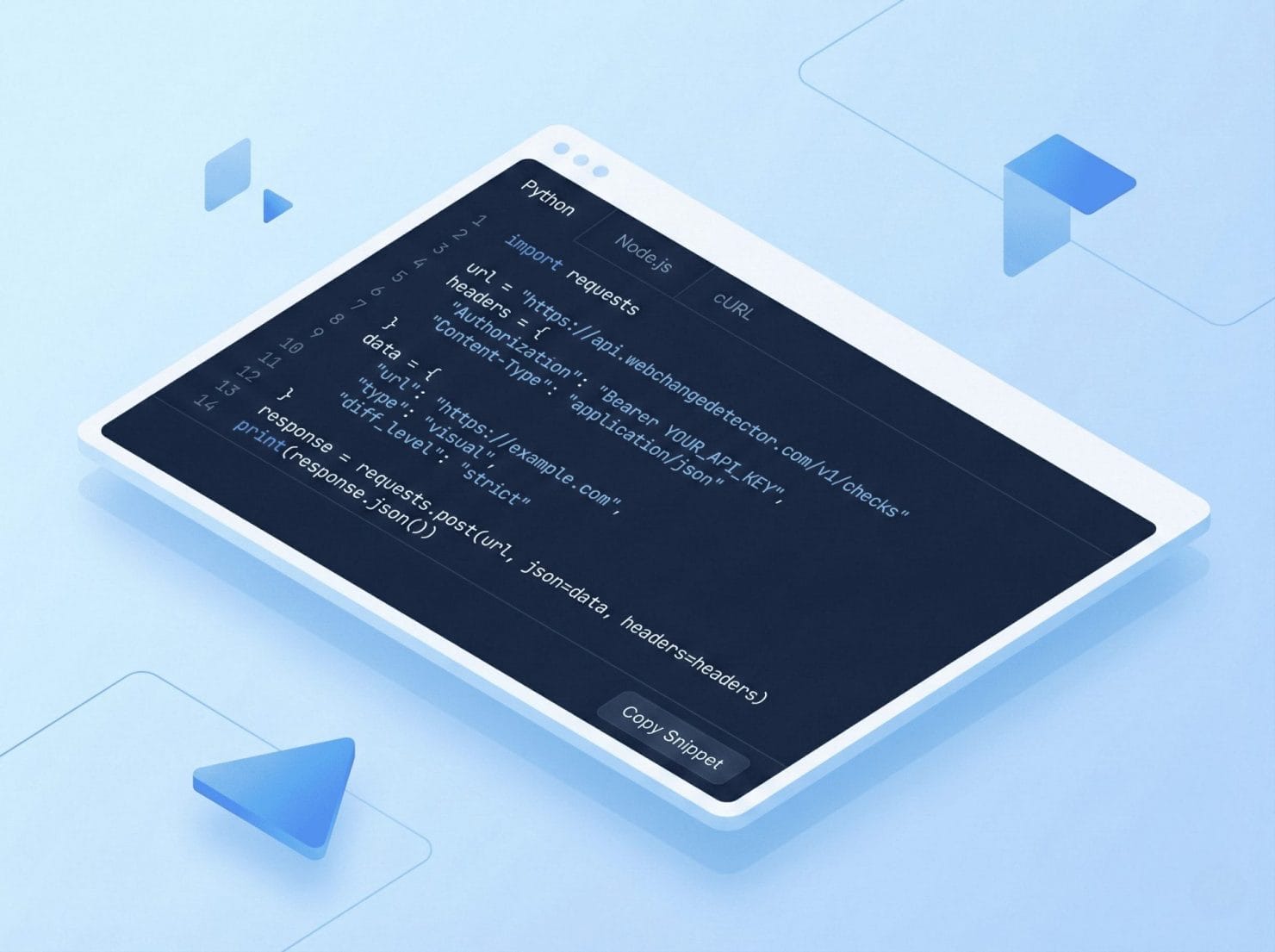
Core Endpoints
Groups & URLs: Create monitoring groups, add URLs, configure settings. Full management via API.
Screenshots: Trigger screenshot batches with POST /screenshots/take. Type: pre, post, or comparison.
Comparisons: List comparisons, filter by threshold, update status. Get all change data programmatically.
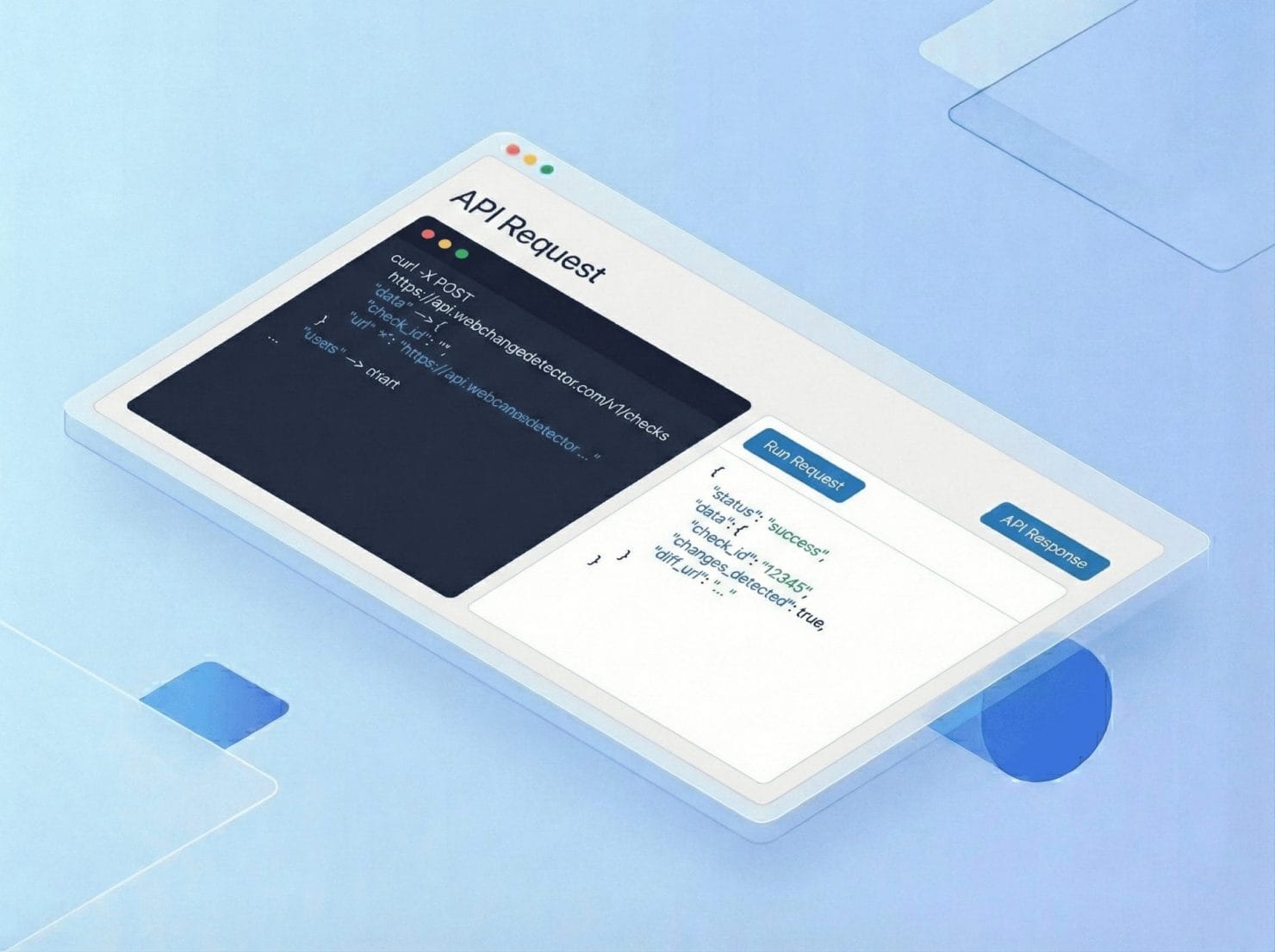
Common Workflows
CI/CD Integration: Trigger post-deployment screenshots, wait for processing, check for regressions, fail build if changes detected.
Custom Dashboard: Fetch comparisons with “above_threshold” filter, display in your monitoring tools. Real-time visibility.
Automated Status Updates: Mark comparisons as with a status programmatically. Streamline review workflow.