Black Friday Deal: 20% off with voucher code: PIXELGUARD20  |  Ends in:

I Just Changed One Thing Famous Last Words
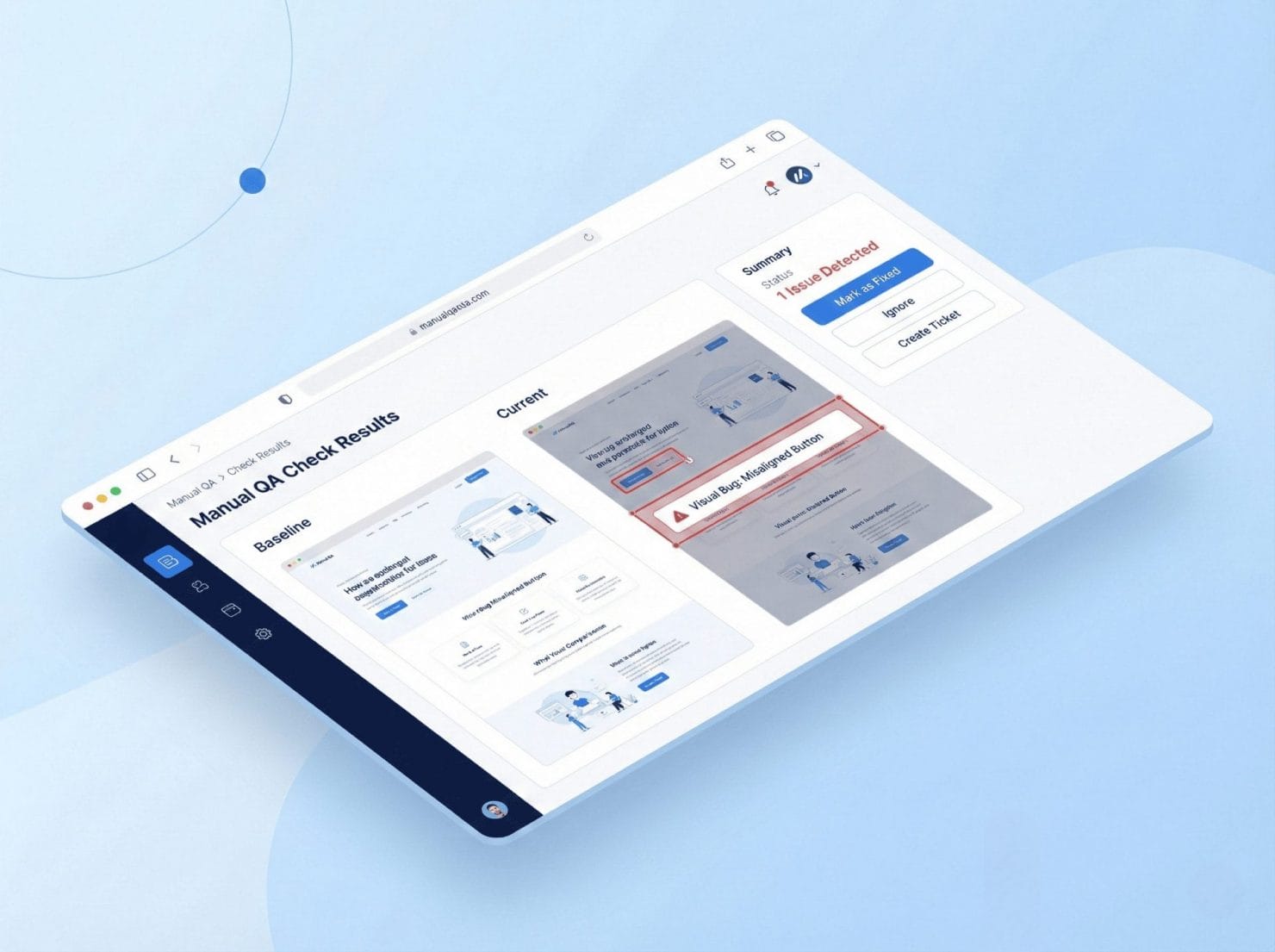
Every developer knows: change one CSS property break three unrelated pages. Manual QA checks give you before/after comparisons on demand. So you catch the cascade before it catches you.

The Cascade of Unintended Consequences

You’re a professional. You test your changes. But CSS is global, themes are complex, time is short, and eyes get tired. The client only ever notices the one page you didn’t check.

CSS is global: Change “.button” padding, affect every button

Themes are complex: 47 template files, countless dependencies

Time is short: “Just a quick fix” becomes “just check the homepage”
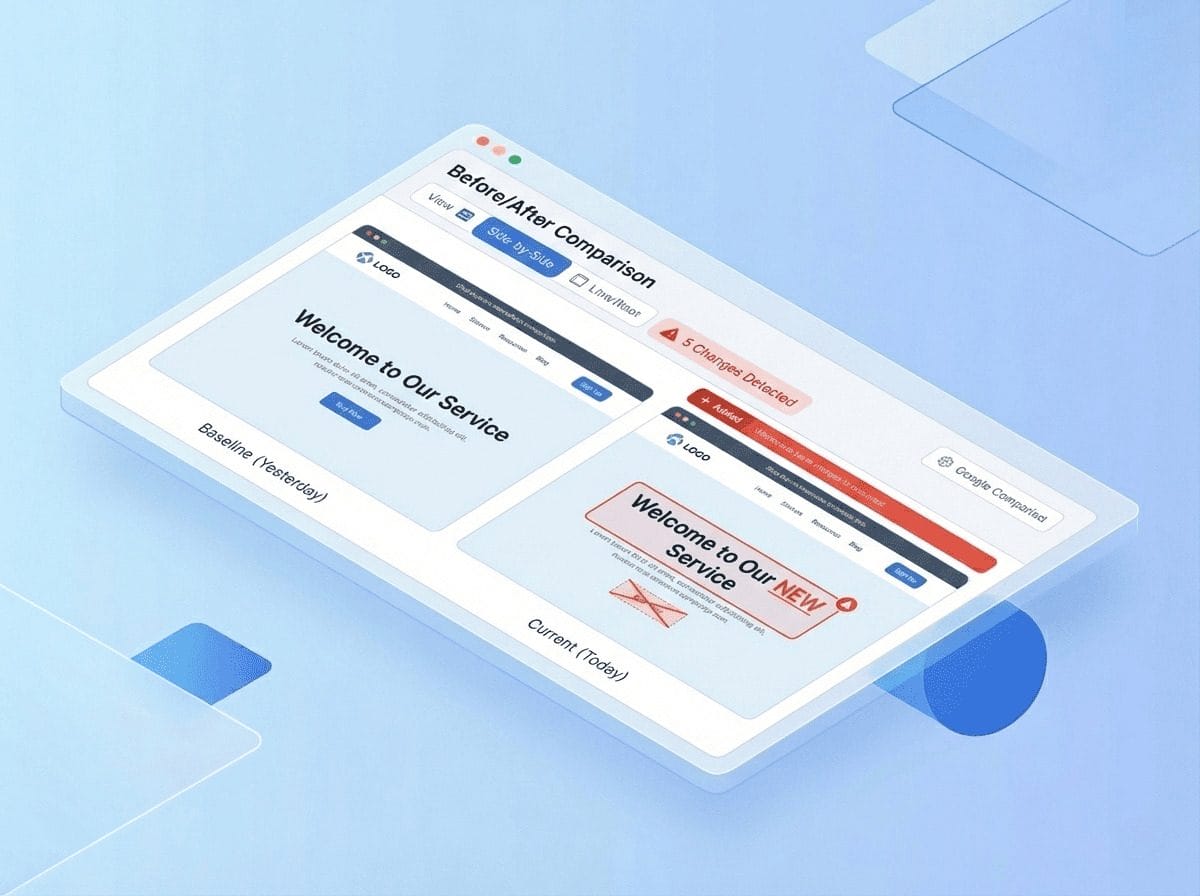
Structured Before/After Workflow

A simple 4-step process that captures every page, gives you time to work, and shows exactly what changed.

Click “Start Check”: We capture every page

Make your changes: Take your time, we’ll wait

Click “Complete Check”: We capture everything again

Review comparison: See exactly what changed

Every page. Every device. In minutes, not hours.

Isometric illustration showing cascading UI cards and code blocks representing CSS changes affecting multiple connected website pages

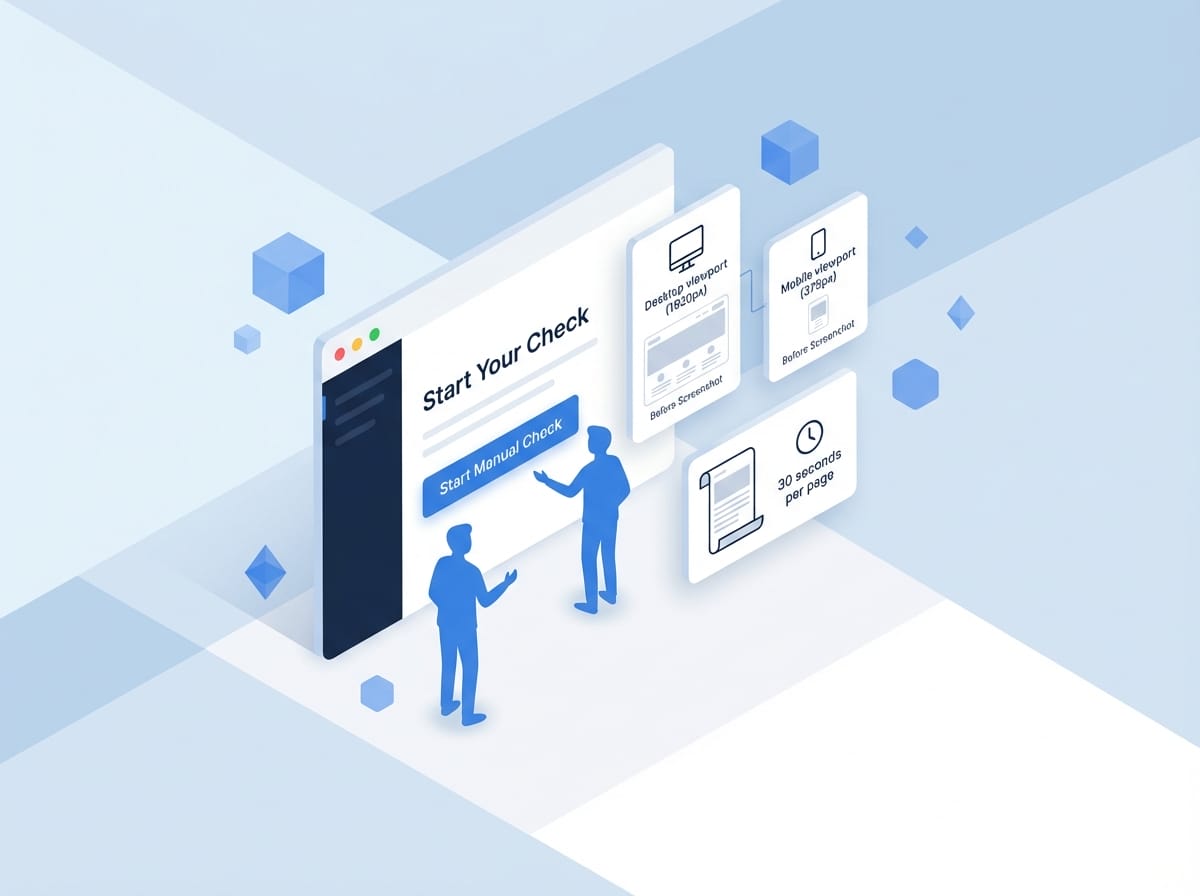
Start Your Check, We Handle the Rest

In the plugin or webapp, click “Start Manual Check”. We capture “before” screenshots of all selected pages across desktop and mobile viewports.

Desktop viewport (1920px): Full desktop experience

Mobile viewport (375px): Mobile-first testing

Full-page captures: Everything from header to footer

30 seconds per page: Time to grab coffee

Parallel executions: Multiple screenshots at once, throttled to protect your server
Isometric illustration showing before and after screenshot comparison with desktop and mobile viewport captures for manual QA testing

Theme Updates Done Right

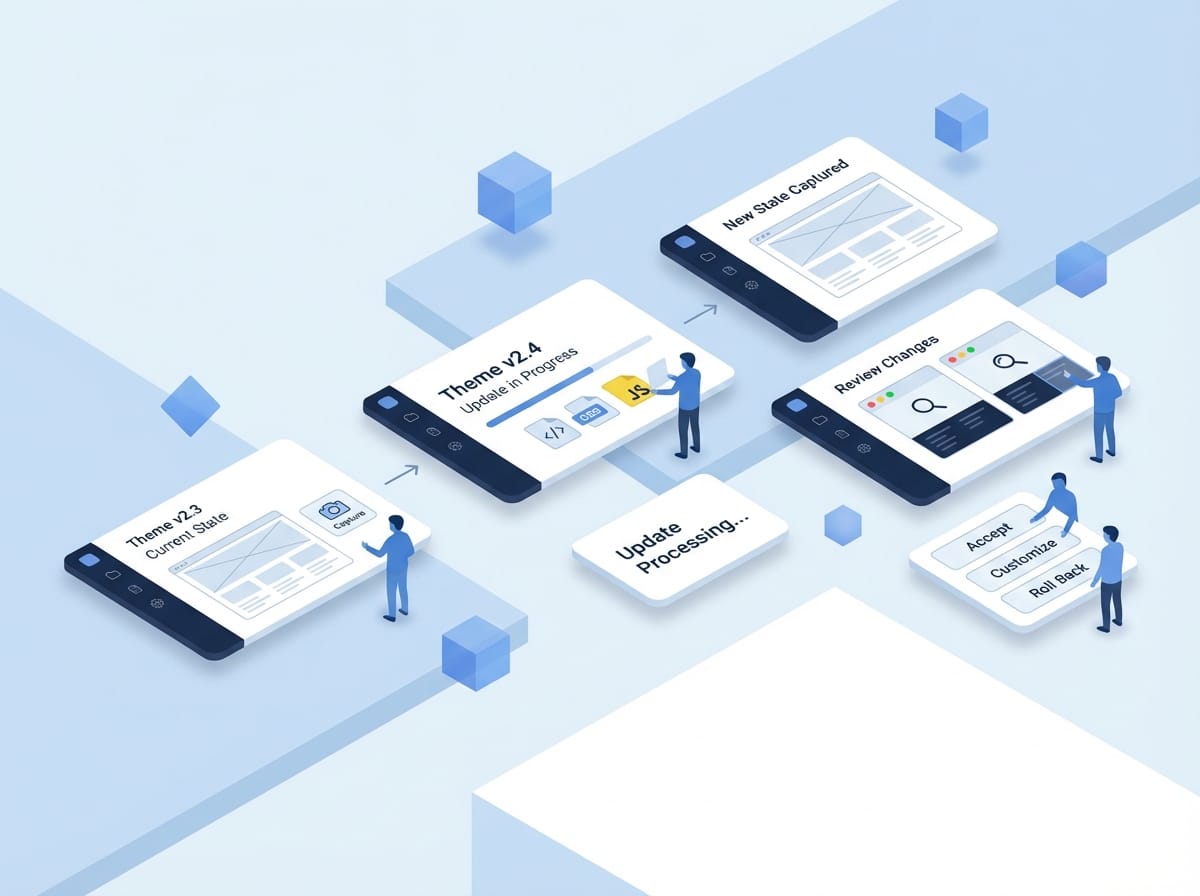
Client wants to update from Theme v2.3 to v2.4. Theme updates can change templates, CSS, JavaScript — anything.

Start check: Capture current state before the theme update.

Update theme: Apply the update and let the website process all the changes.

Complete check: Capture new state after the update completes.

Review changes: “Oh, they changed the footer layout” — see exactly what’s different.

Decide: Accept, customize, or roll back the changes.
Isometric 3D illustration showing faceless blue figures reviewing website theme changes on floating UI cards with before and after comparison screens

CSS Modifications With Confidence

Can you make the buttons a bit bigger? Simple request, but the button class is used in 15 places you forgot about.

Start check: Baseline captured

Increase button padding: Make the change

Complete check: See everywhere it affected
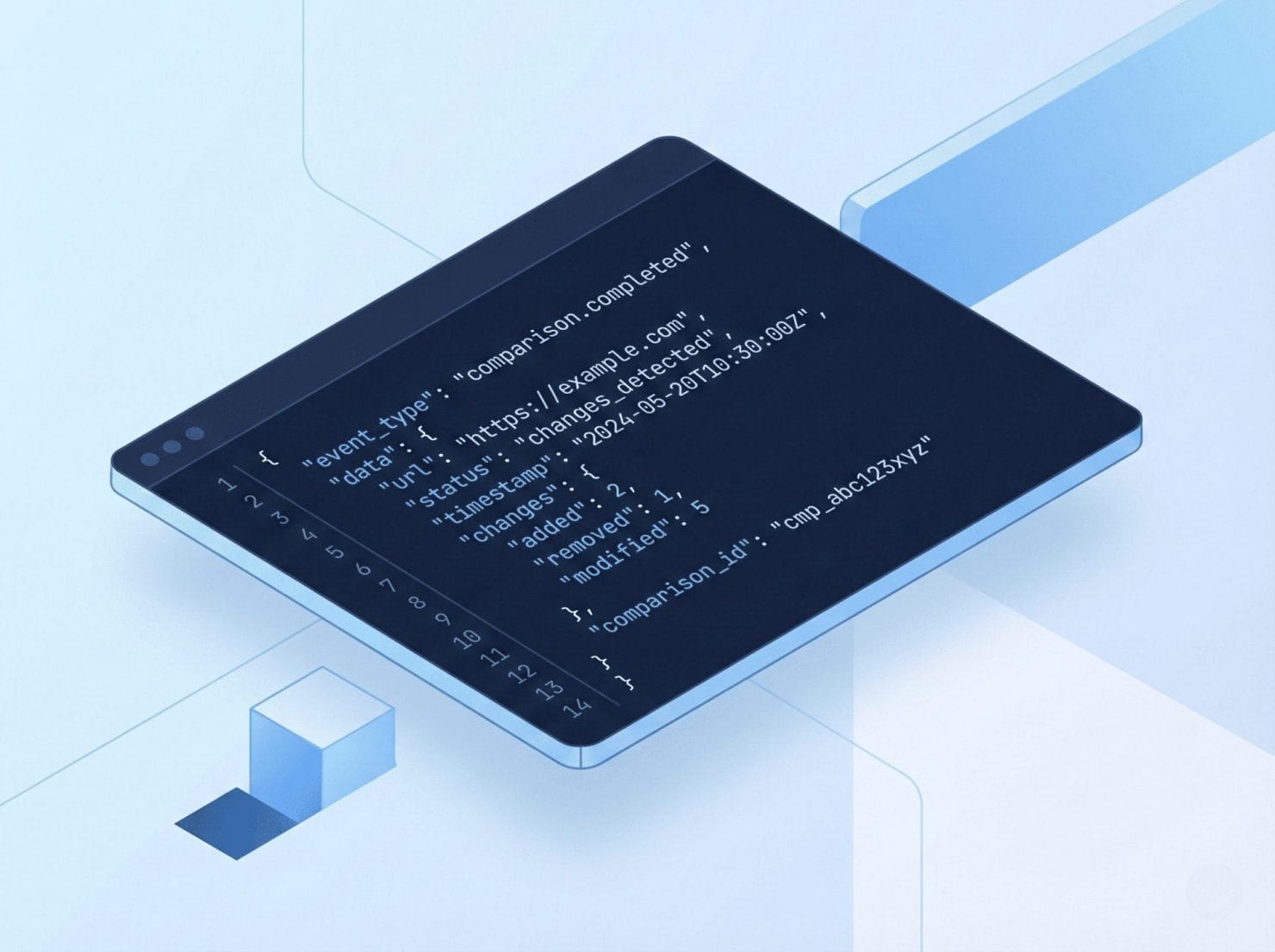
Comparison Api Code Snippet

Plugin Testing Without Surprises

Client wants a new contact form plugin. The risk? Plugin adds CSS/JS that conflicts with your theme.

Start check: Capture clean state

Install and configure plugin: Set it up

Complete check: See what changed

Review: Confirm no layout shifts on other pages

Deploy with confidence: No surprises
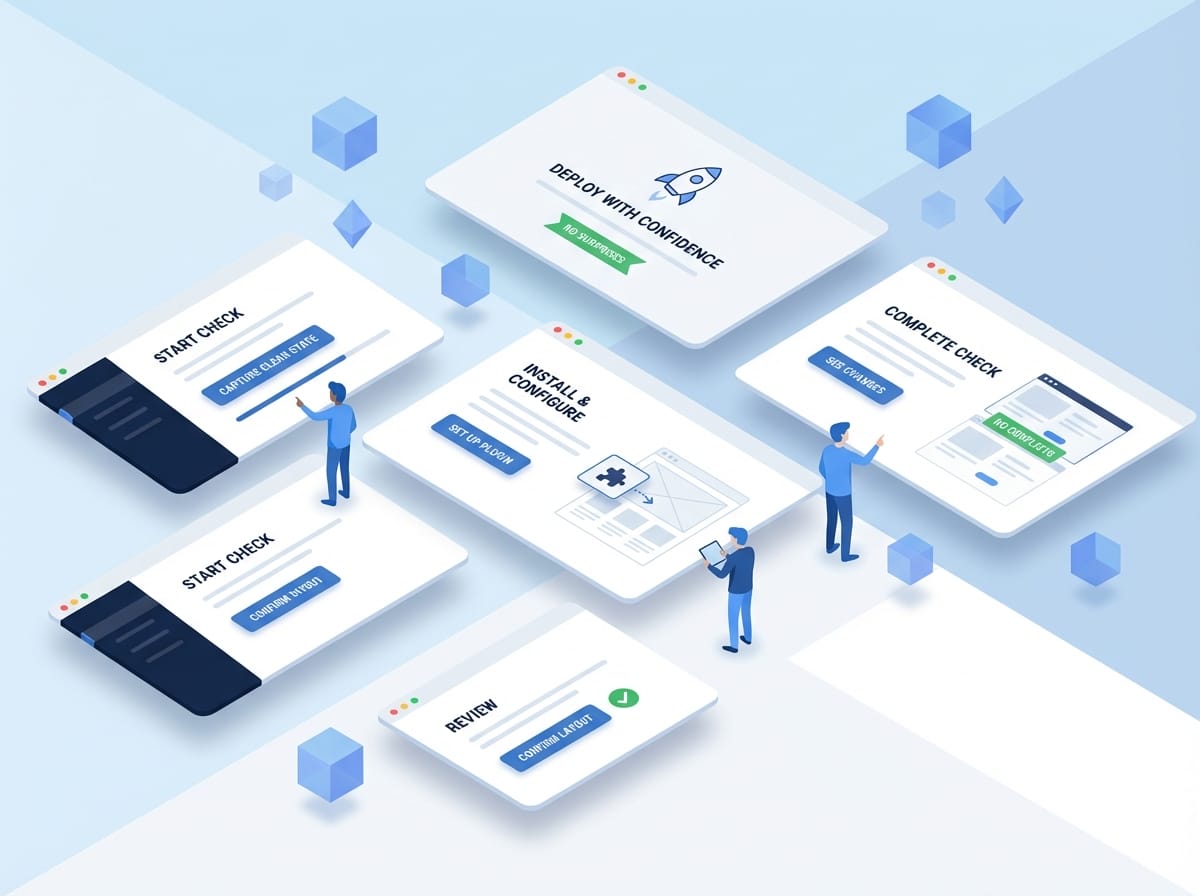
Isometric illustration showing faceless blue figures testing website plugin installation with before and after UI cards

Quick Page Selection

Don’t need every page? Select just critical landing pages, pages you’re directly editing, or template representatives (one blog post, one product, etc.)

Device Coverage

Every check runs on desktop (1920px) and mobile (375px). Or customize viewports if needed.

Comparison Views

Slider (drag to reveal), side-by-side (both images), highlight overlay (changes in red), diff bar (quick scan).

Smart Filtering

Show only pages with changes, sort by change percentage, jump to largest differences first.

Batch Naming

Label your checks: “Theme update to 2.4”, “Homepage hero redesign”, “Pre-launch QA March 2024”. Find them later.

Built for Teams and Solo Developers

Whether you’re an agency with dedicated QA or a solo developer wearing all the hats, manual checks streamline your workflow.

For agencies: Developer runs check, QA/PM reviews comparisons, approves or requests fixes, built-in review workflow

For solo developers: Less context-switching, visual diff instead of memory, confidence before deploy, proof if clients question changes

For everyone: Comprehensive coverage in minutes, documented evidence of testing, catch issues before they go live

Team Mission Presentation

Frequently Asked Questions

How long does a manual check take?

Depends on page count. Roughly: 10 pages (~1-3 minutes), 50 pages (~4-6 minutes), 100 pages (~8-10 minutes). Processing happens in parallel, so it scales well.

Can I check just one page?

Yes. Select a single page if that’s all you need.

What if I need to make more changes after “Complete”?

Start a new check. Each check is a snapshot in time. You can run multiple checks.

Do checks count against my plan limit?

Yes. Each page = 1 check. A 10-page site on desktop + mobile = 10 checks.

Can I compare old checks?

Yes. Historical comparisons are saved. You can view them again.

Never Deploy Blind Again

Start your first manual check in under 5 minutes. See exactly what changes before anyone else does.