Fits Right Into Your Workflow
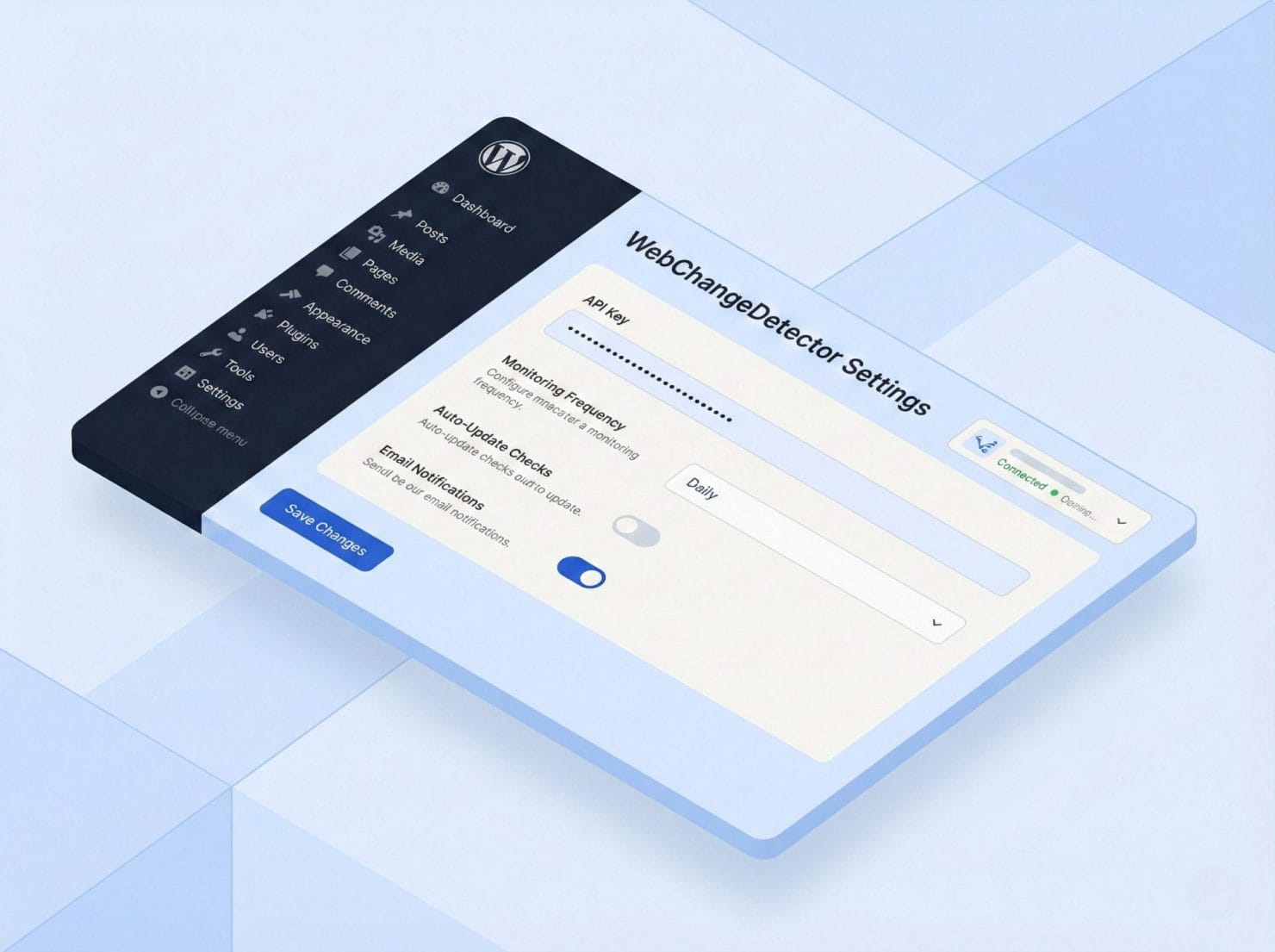
Plugin for WordPress
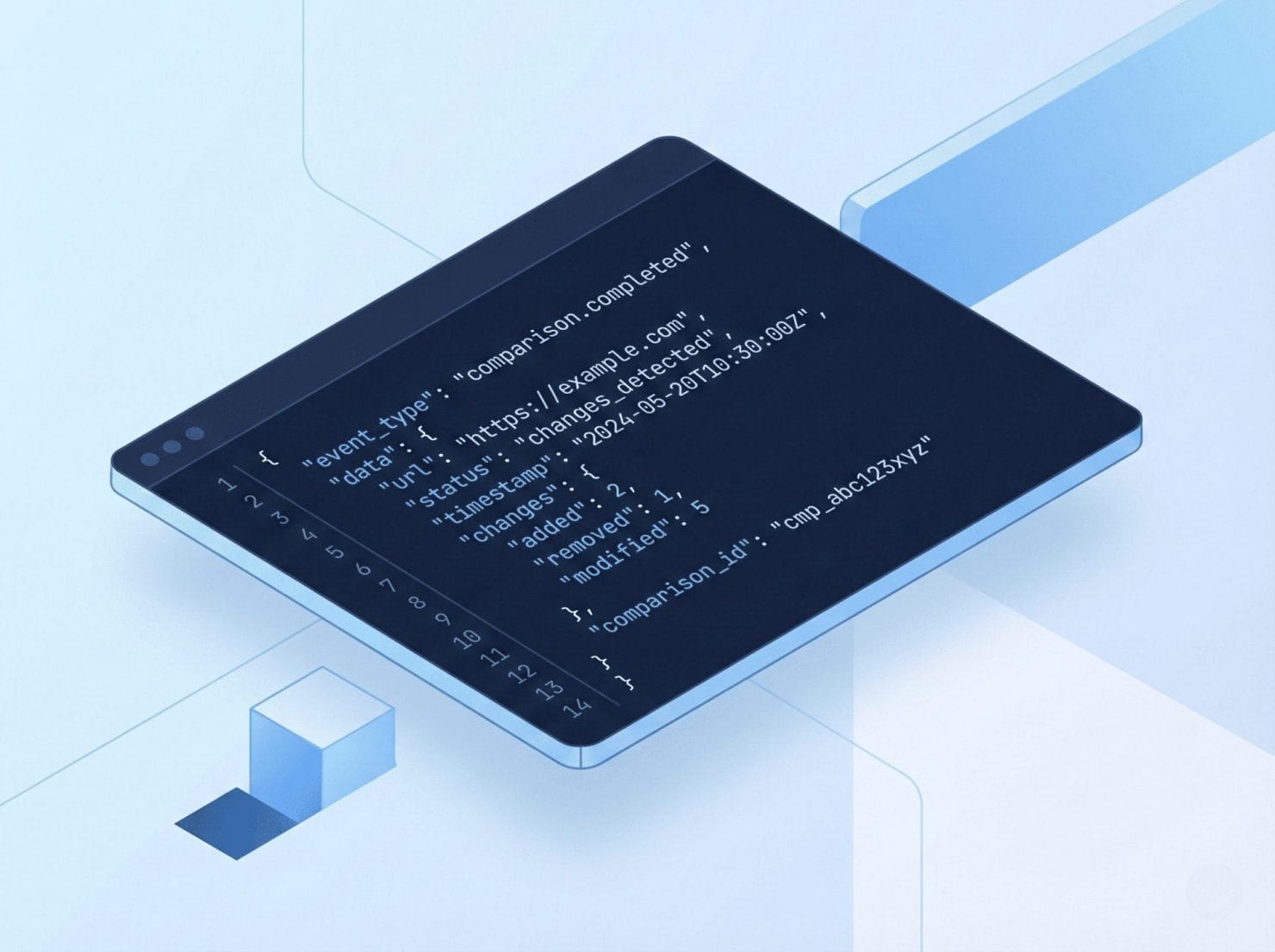
REST API
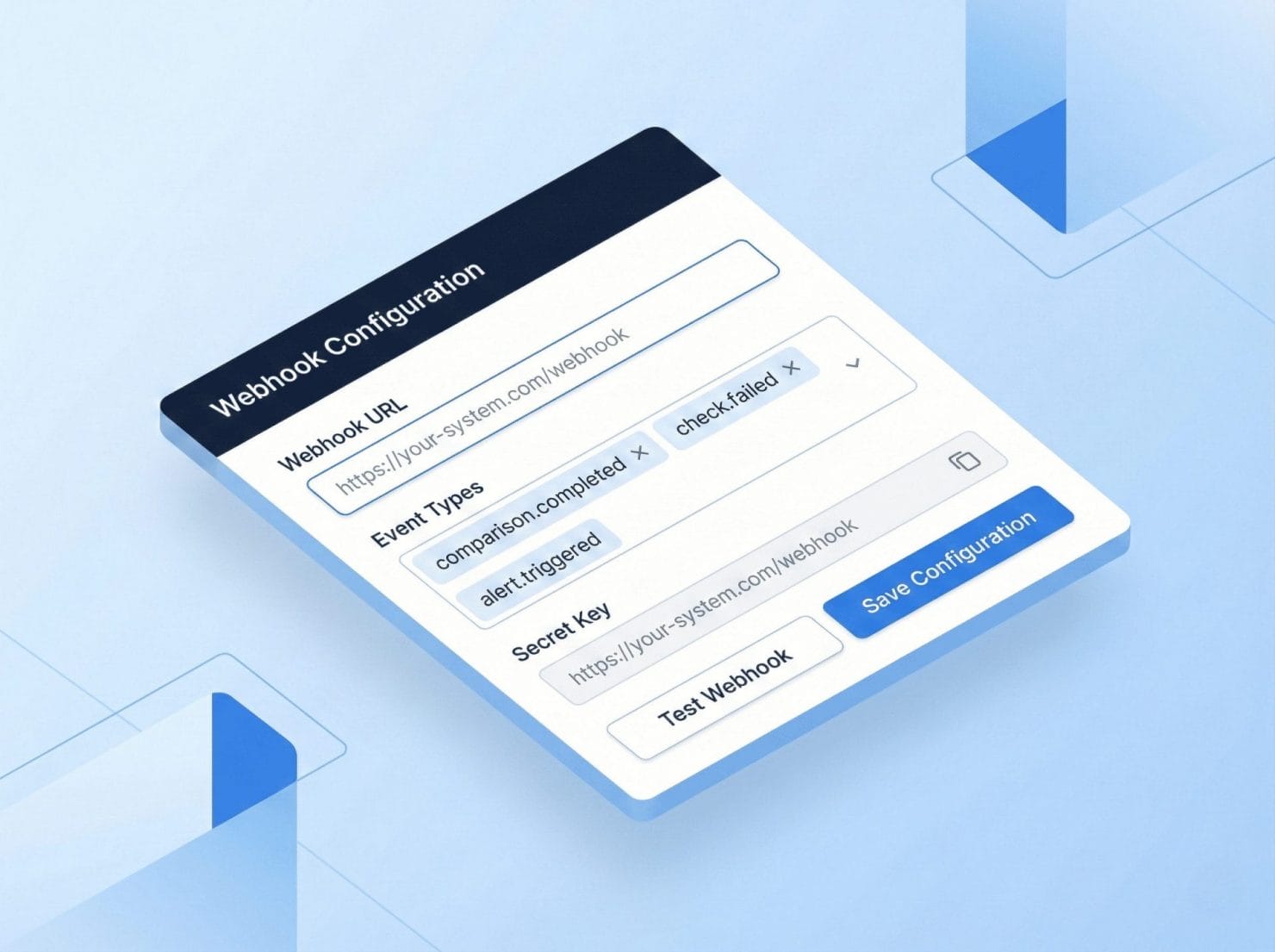
Webhooks
Integration Examples
CI/CD Pipeline: Trigger visual checks after every deployment. Catch regressions before they reach production.
Slack Notifications: Get change alerts where your team already works. Instant visibility into website changes.
Custom Dashboard: Build monitoring into your existing tools. Fetch results via API and display anywhere.
Platform Compatibility
CMS Platforms – WordPress (native plugin), any website via API, headless CMS, static sites.
CI/CD Tools – GitHub Actions, GitLab CI, Jenkins, CircleCI, Bitbucket Pipelines, and more.
Notification Platforms – Slack, Microsoft Teams, Discord, PagerDuty, Email, and any webhook-compatible service.
Getting Started
Plugin for WordPress (Fastest) – Install from WordPress.org, enter API token, sync URLs, enable monitoring. Time to first check: ~5 minutes.
API Integration – Get API token, read documentation, make your first API call, build your integration. ~30 minutes.
Manual URL Entry – Log into webapp, add website manually, enter URLs to monitor. No integration needed. ~10 minutes.