5 Minutes to Your First Check
Install our plugin for WordPress, connect with your API token, and start monitoring. Automatic URL detection, one-click checks, and seamless auto-update integration. No coding required.
Quick Start
Get up and running in just a few steps. No technical knowledge required.
Install the Plugin: Go to Plugins → Add New, search WebChangeDetector, click Install then Activate.
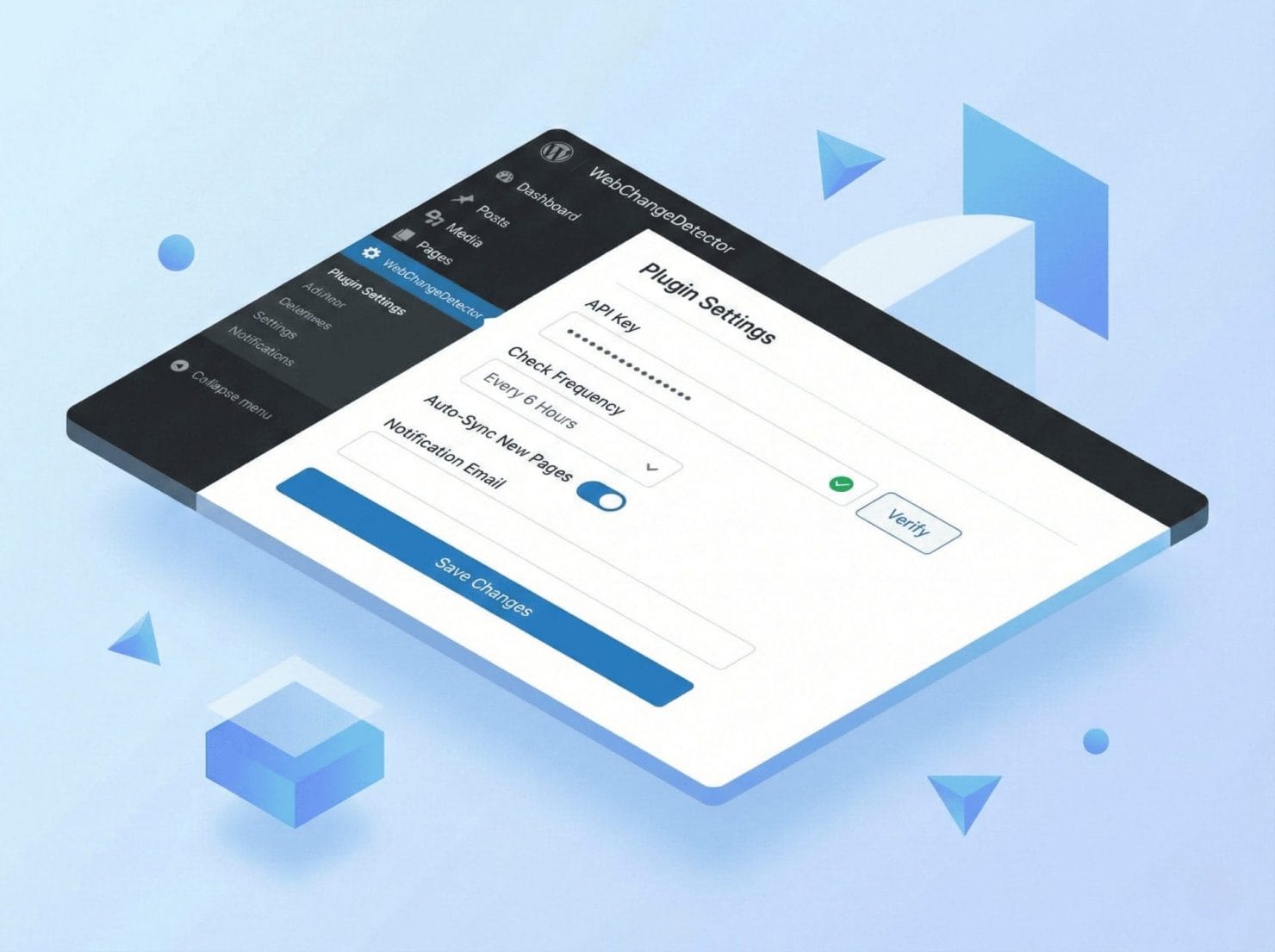
Connect Your Account: Get your API token from webapp, paste it in Settings, click Connect.
Sync Your URLs: Click Sync URLs and we automatically detect all pages and posts.
Start Monitoring
Choose how you want to monitor your WordPress site.
Auto-Update Monitoring: Enable in Settings. We’ll capture before/after screenshots on every update automatically.
Manual Checks: Click Start Check, make changes, click Complete Check. QA without leaving WordPress.
Scheduled Monitoring: Configure intervals in the webapp. Plugin syncs settings automatically.

Automatic URL Detection
We find all your content automatically — pages, posts, custom post types, WooCommerce products. Publish a new page? It appears automatically. No manual entry needed.
Auto-Update Integration
Hooks directly into WordPress core, plugin, and theme updates. Before/after screenshots captured automatically.
One-Click Checks
Start Check, make changes, Complete Check. View comparison. QA without leaving WordPress.
Admin Bar Integration
Quick access from any page. See monitoring status, toggle URLs on/off. Works on frontend and backend.
Works With Everything
Compatible with all major caching plugins, page builders, themes, and multisite installations.
Restrict Access
Limit which features clients can access in the plugin for WordPress. You decide what they see.
Frequently Asked Questions
Does the plugin slow down my site?
No. The plugin only runs in wp-admin and during update hooks. Zero frontend impact on your visitors.
Can I use it on client sites without giving them access?
Yes. Install the plugin with your (or a subaccount) API token. Clients don’t need webapp access to benefit from monitoring.
Does it work with WordPress Multisite?
Yes. Install on individual sites or network-activate. Each site needs its own API token for separate tracking.
Do unused checks roll over?
No. Checks reset each billing cycle. But you can always downgrade if you’re consistently under your limit.
Is there really no per-site fee?
Really. Monitor 1 site or 1,000 — same price. You only pay for checks used, not sites added.
Ready to Install?
Get the plugin from WordPress.org — free to download, works with any plan.