Some Bugs Don’t Come From Updates

The Things That Break When You’re Not Looking
Hacked sites: Defacement, malware injection, SEO spam
SSL expiration: Browser warnings scare visitors away
Third-party failures: That review widget, chat plugin, or payment gateway stops working
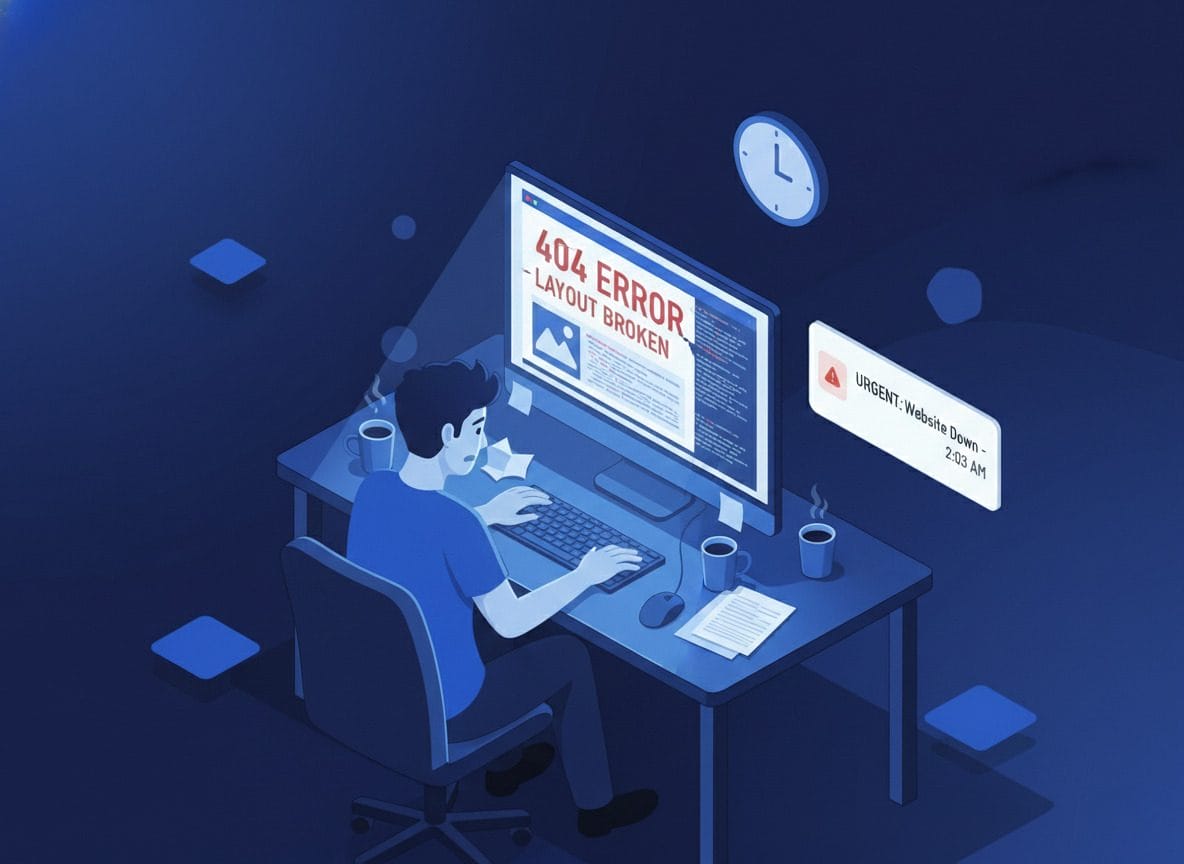
Scheduled Screenshots, Automatic Comparison
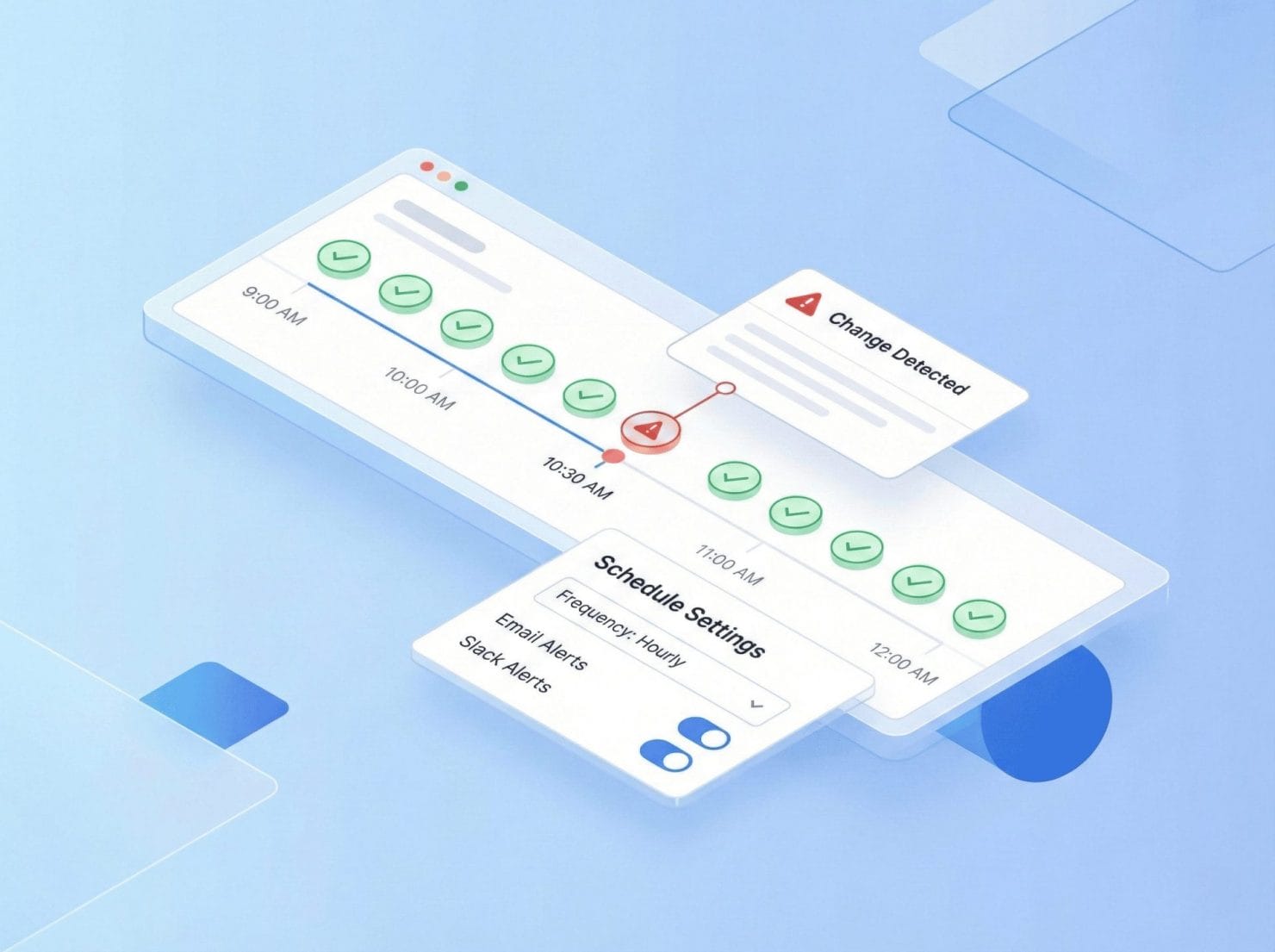
We take screenshots at your chosen interval (15 min to 24 hours)
Each new screenshot is compared to the last “known good” state
If changes exceed your threshold, you get alerted
If everything’s fine, you hear nothing
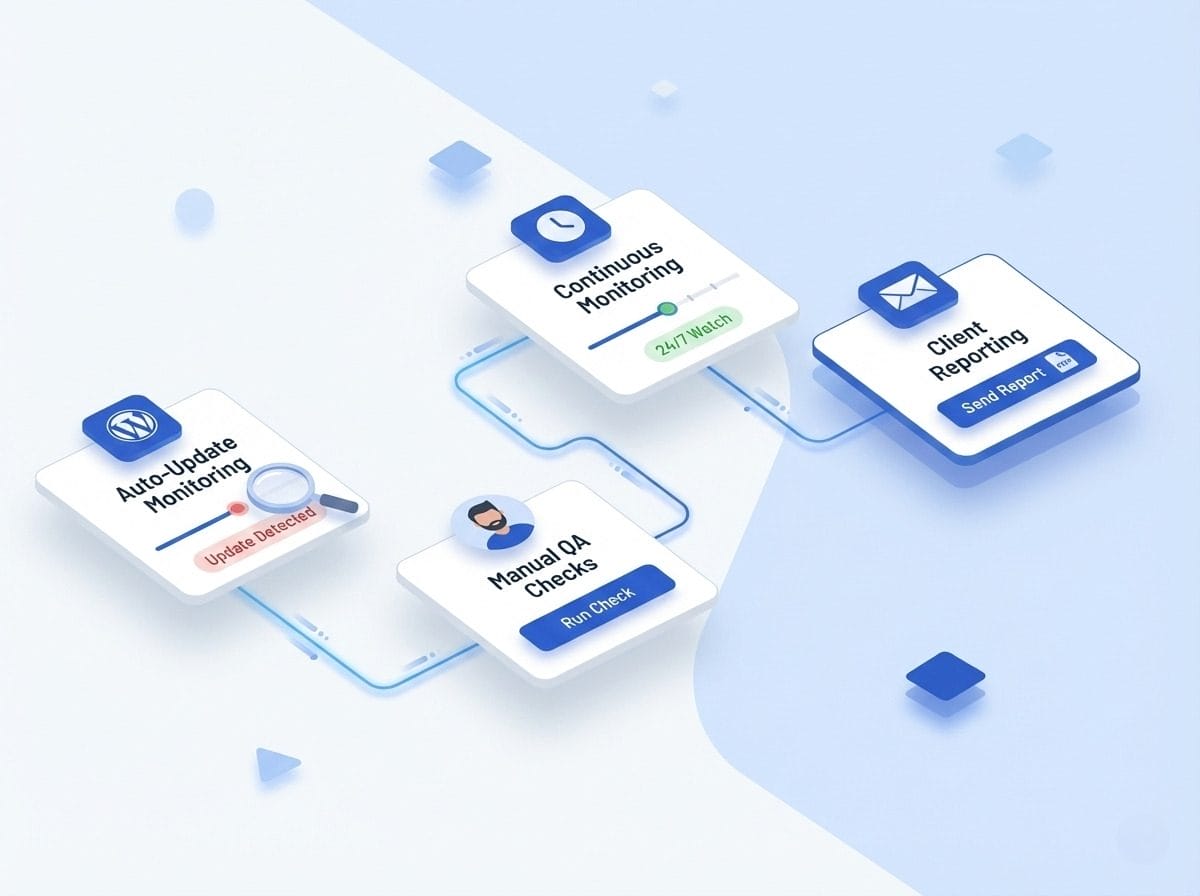
How Continuous Monitoring Works
Configure Your Schedule: Choose interval (15 min to 24 hours) and time preferences
Automatic Capture & Compare: Every interval, we capture, compare, analyze, and alert
Smart Alerting: Below threshold? Logged. Above threshold? You get an email with comparison link

Hacked & Defaced Sites
SSL Certificate Issues
Third-Party Widget Failures
CDN & Media Issues
Database & Server Issues
Tiered Monitoring Strategy
Website 1: Critical (15-30 min): E-commerce checkout, high-traffic landing pages, lead generation forms, client sites with SLAs
Website 2: Important (1-3 hours): Main website pages, blog homepages, product category pages, active campaign pages
Website 3: Standard (6-24 hours): Brochure sites, low-traffic pages, archived content, internal tools
The Weekend Hack
Saturday 2:10am: Attacker exploits plugin vulnerability.
Saturday 2:15am: WebChange Detector alert — “47% change on homepage”.
Saturday 8:20: You check notifications, see the alert.
Saturday 8:45am: Site cleaned, vulnerability patched.
Monday: No one noticed. Business as usual.
Without monitoring: Client discovers Monday, site’s been hacked for 2 days, Google’s flagged it as malware.
The Silent Failure
Tuesday 3:15pm: Alert — “Reviews section empty”.
Tuesday 3:30pm: You add CSS to hide the section temporarily.
Wednesday: Widget provider fixes issue, you restore section.
Without monitoring: Reviews missing for 3 days. Nobody told you. Conversion rate dropped.
The Gradual Drift
Week 2: Another small change (below threshold, logged).
Week 3: Cumulative changes hit threshold, alert sent.
You investigate: Theme update three weeks ago introduced progressive rendering issue.
You fix: Would’ve been worse without early warning.