Black Friday Deal: 20% off with voucher code: PIXELGUARD20  |  Ends in:

Scale Your Agency Without Scaling Your Problems

Create subaccounts for clients with their own API tokens, check limits, and permissions. Perfect for agencies offering visual QA as a service — or hosters who want to look like geniuses.

The Growth Ceiling

Your agency is growing. More clients, more sites, more monitoring needs. But there’s a problem.

Shared credentials: One API token for everyone? Security nightmare.

No usage tracking: Who’s using all the checks?

No limits: One client can drain the entire account.

Subaccounts: Your Agency’s Secret Weapon

Create separate accounts for each client (or department, or project) with complete control and isolation.

Their own API token: Unique credentials per subaccount

Their own check limit: Allocate from your pool

Complete isolation: No cross-contamination
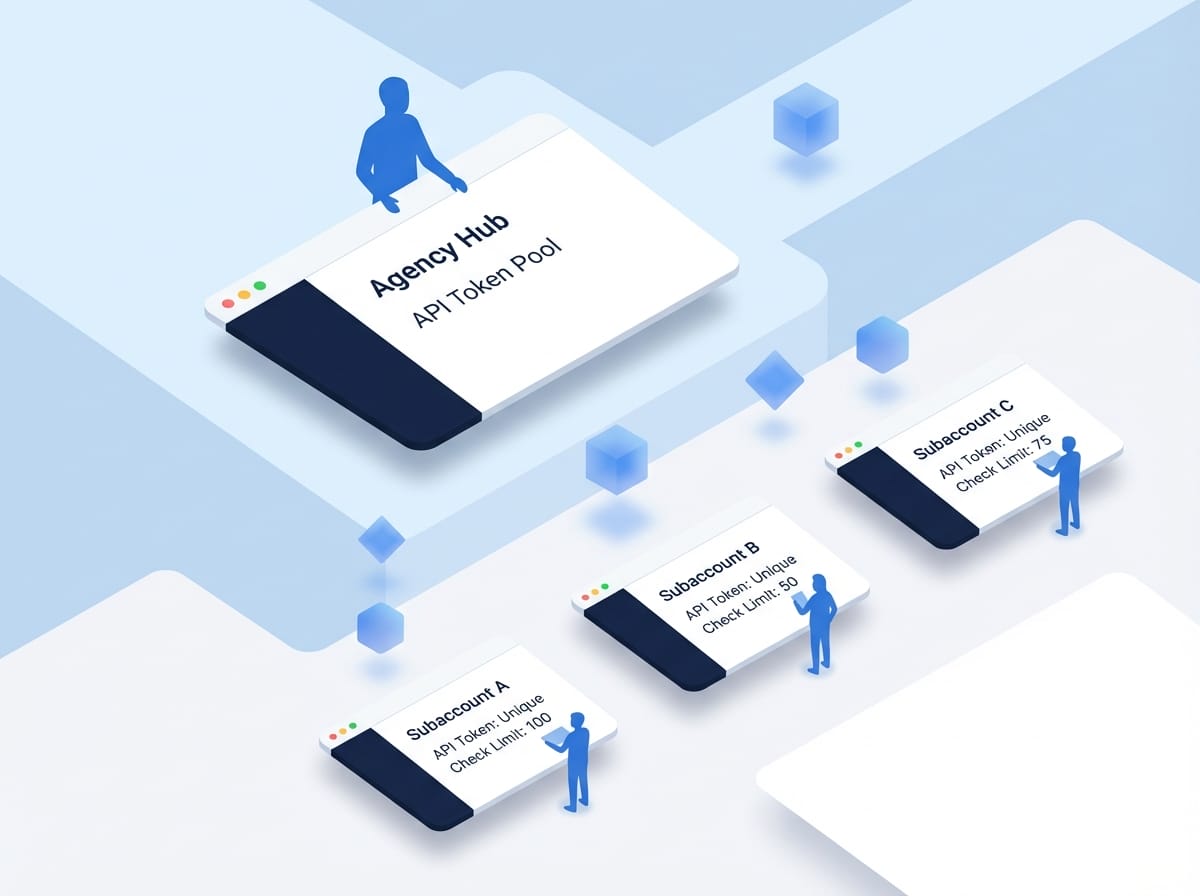
Isometric illustration showing separate client accounts with API tokens and isolated workspaces for agency management

How It Works: The Hierarchy

Your main account holds the total check limit. You allocate portions to each subaccount with complete control over limits and access.

Your Main Account: 10,000 checks/month total limit

Client A Subaccount: 2,000 checks allocated

Client B Subaccount: 1,000 checks allocated
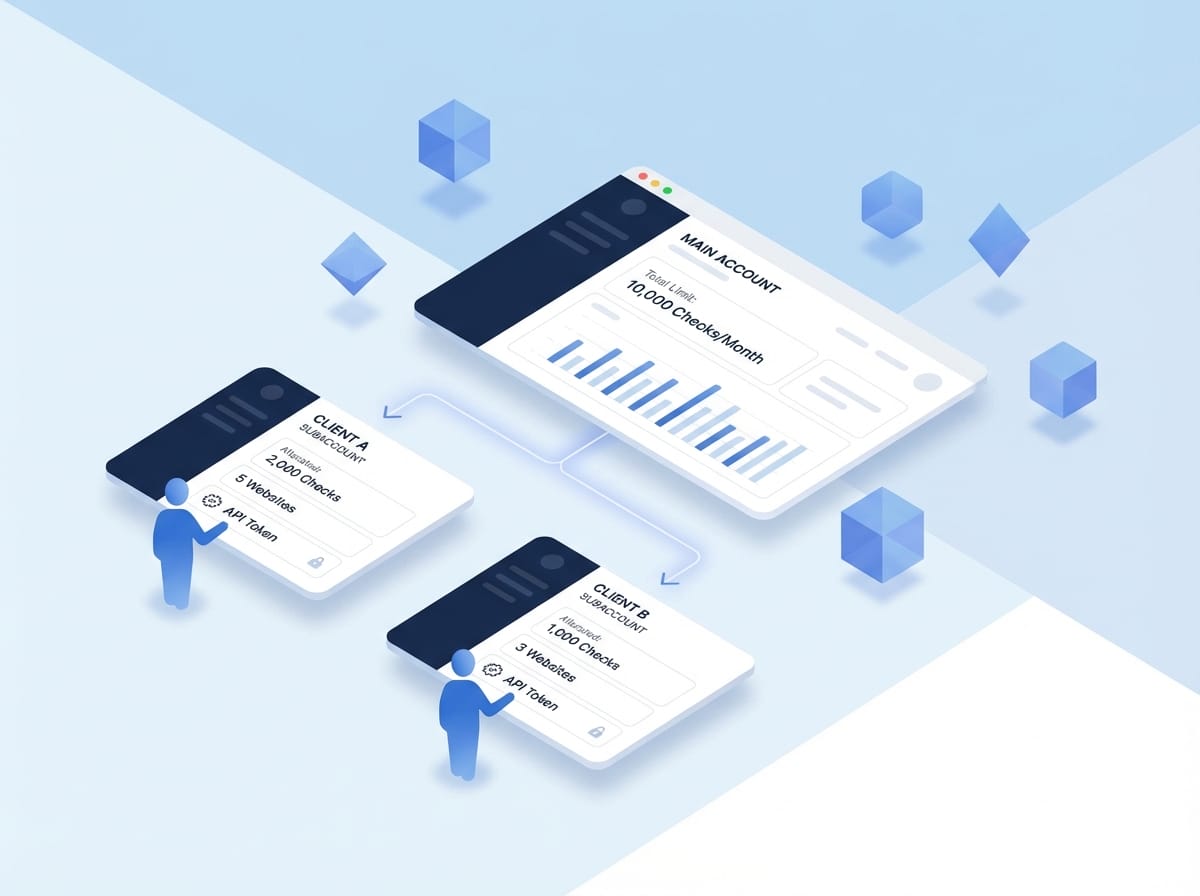
Isometric illustration showing hierarchical account structure with main account distributing resources to multiple client subaccounts

Separate API Tokens

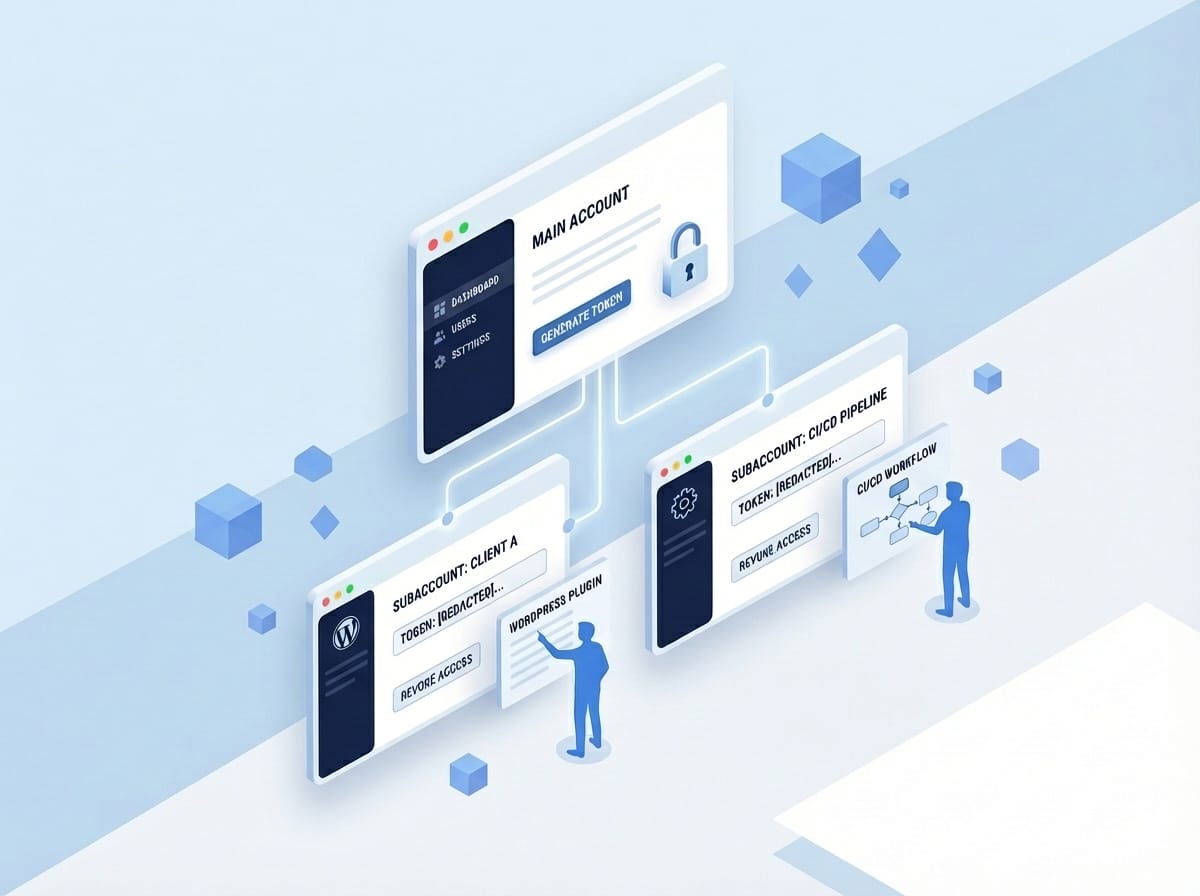
Each subaccount gets a unique API token for complete security and control. No shared credentials means no security risks.

Install in client’s WordPress: Each client gets their own token

Use in CI/CD pipelines: Integrate with their workflows

Revoke independently: Remove access without affecting others
Software dashboard interface showing multiple windows with clean minimal design and no external text
Isometric illustration showing usage analytics dashboard with stylized blue figures monitoring client allocation metrics and trends

Usage Tracking

See exactly how each subaccount uses their allocation. Know which clients are heavy users before billing conversations start. Complete visibility into every subaccount’s activity.

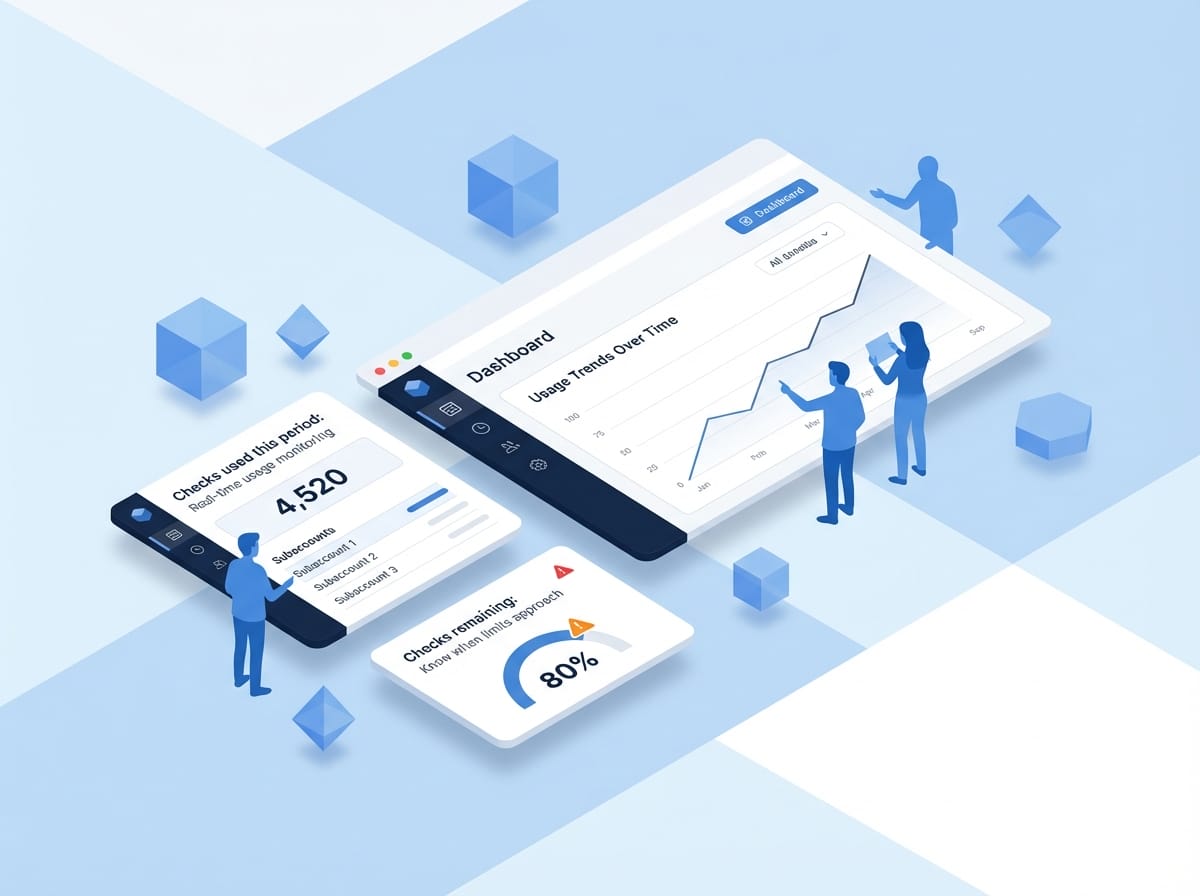
Checks used this period: Real-time usage monitoring

Checks remaining: Know when limits approach

Usage trends over time: Spot patterns and growth

Complete Isolation

Subaccounts only see their own data. Perfect for agencies managing competitive clients. Client A can’t see Client B’s sites. Ever.

Their own websites: No visibility into other accounts

Their own screenshots: Completely separate data

Their own comparisons: Isolated results
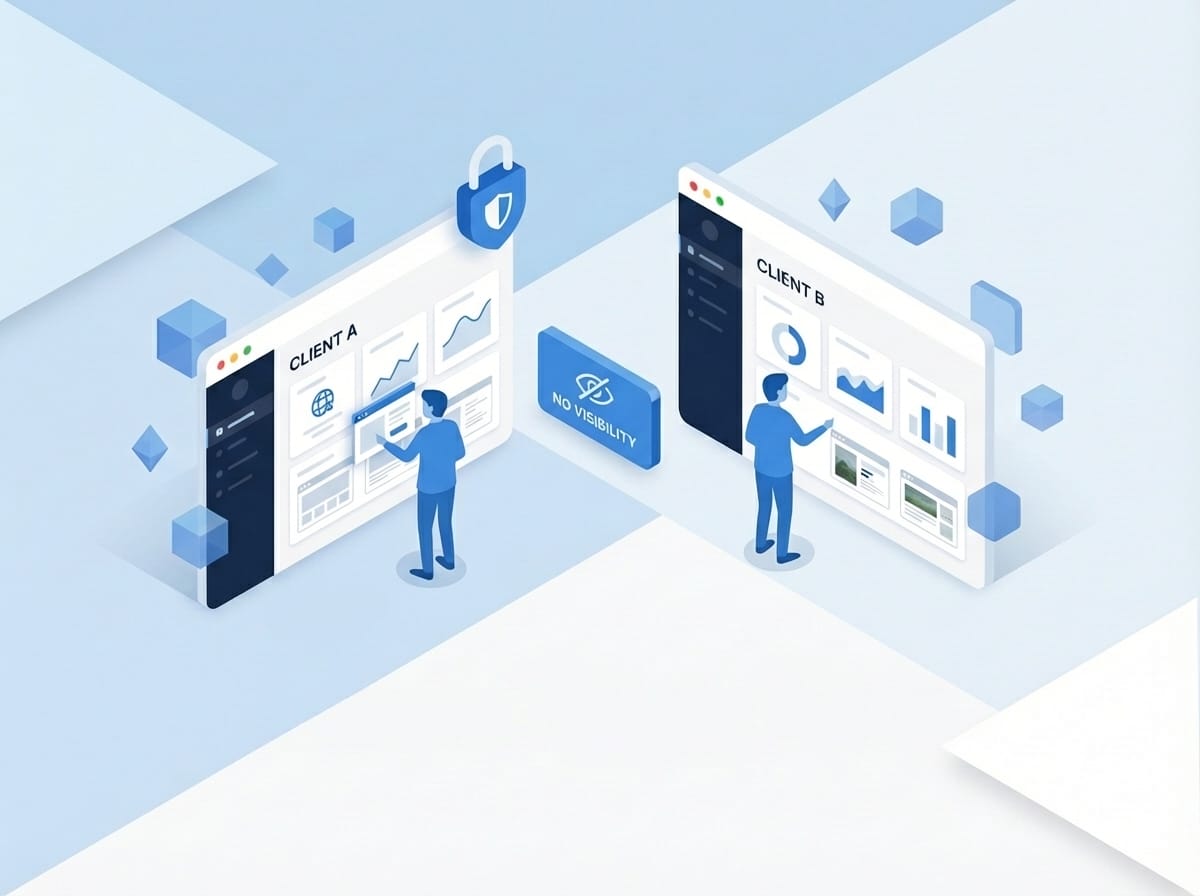
Clean dashboard interface showing agency subaccount management panel with usage metrics and client overview window

Agency Model

Digital agency with 20 clients. One subaccount per client with 400-500 checks each. Clients check their own sites while you monitor everything.

Hoster / Managed WordPress

WordPress hosting company offering visual QA as a value-add. Subaccount per customer, checks included in hosting tiers.

White-Label Options

For hosters and resellers, make it look like yours. Subaccount users don’t see WebChangeDetector branding. Your clients think it’s your tool.

No WebChangeDetector branding: Your clients think it’s your tool

You’re just that good: Take all the credit

Dashboard showing subaccount management with API tokens usage tracking and client permissions settings

Billing & Limits

Your plan has a monthly check limit. You allocate checks to subaccounts. Each subaccount can only use their allocation. When a subaccount hits their limit, only their monitoring pauses.

Your plan limit: e.g., 10,000 checks/month total

You allocate: Distribute to subaccounts as needed

Remaining checks: Stay with your main account
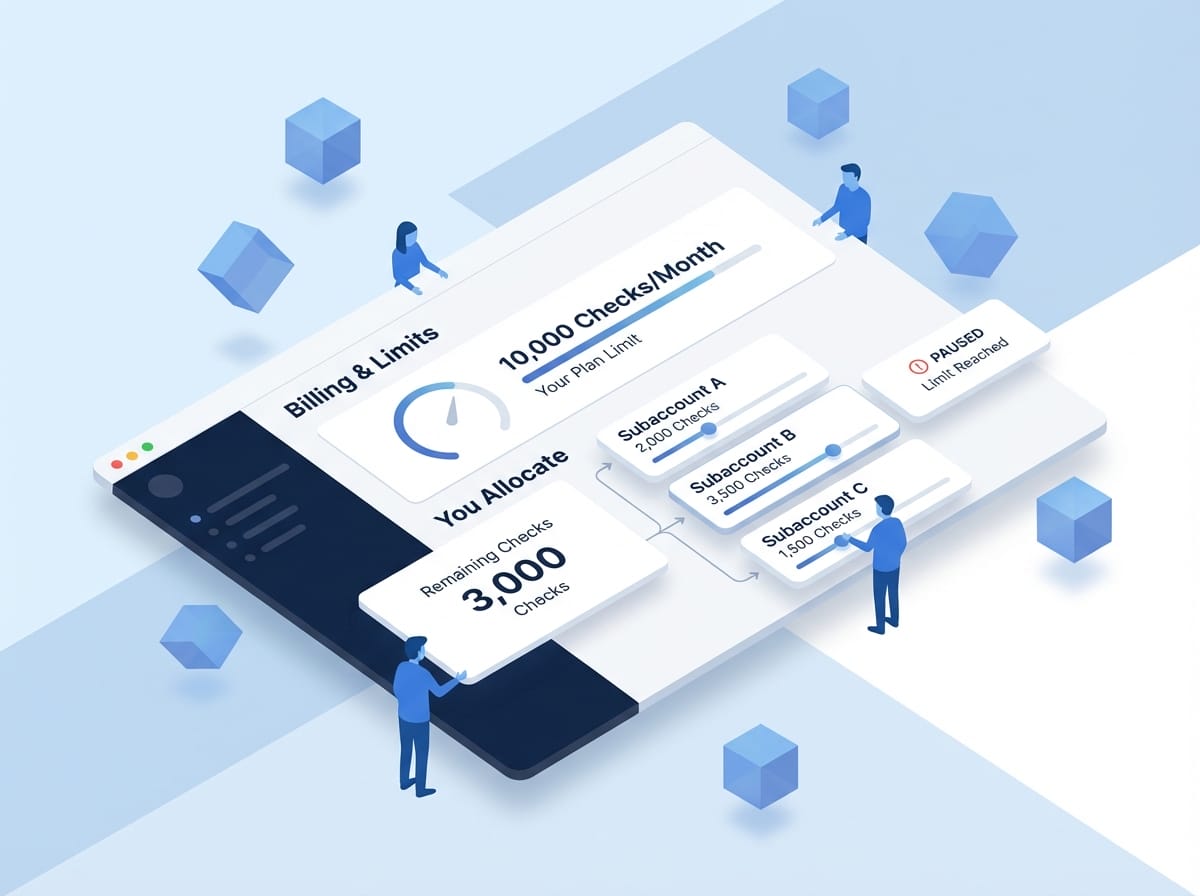
Isometric illustration showing billing allocation interface with usage meters and subaccount distribution controls

Frequently Asked Questions

How many subaccounts can I create?

As many as you like.

Can subaccounts create their own subaccounts?

No, only the main account can create subaccounts. Keeps the hierarchy simple.

Can subaccounts access the API?

Yes, with their own token. They can only access their own data.

Do subaccounts get their own login?

No. They access their data through the WordPress plugin, limited to what you authorize.

Ready to Scale Your Agency?

Start with a subaccount or two. Add more as you grow. Your main account’s limit is the only ceiling. Need high-volume? Contact Sales for Enterprise pricing.